


- Official Post

If you are not sure how to find out your own CS steam ID or ip address please follow the steps below.
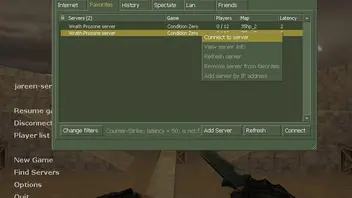
1.Connect to any Counterstrike server.
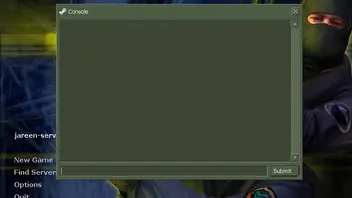
2.Open your console (by the default key `other check your settings)
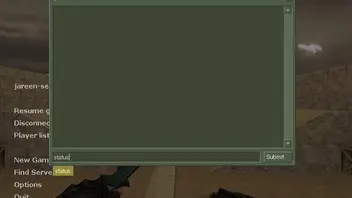
3.Type Status into your Console window.
4.Your steam ID will be shown next to your nickname.
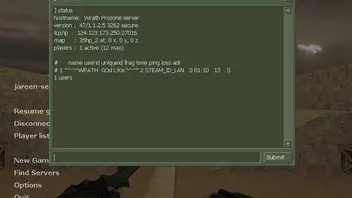
5.It is the key with "STEAM_" in front.
for example the steam ID on the screenshot for same process will be
"STEAM_0:2:12345" .
For finding your ip address visit :
